
![[Upgraded] Bluetooth 5.0 Remote Shutter For Iphone & Android Camera Wireless Remote Control Selfie Button For Ipad Ipod Tablet,](https://file-node.com/m/a8928b60-48b8-42e6-9c13-e2190518f1a0/60527538/f09408.webp)
[Upgraded] Bluetooth 5.0 Remote Shutter For Iphone & Android Camera Wireless Remote Control Selfie Button For Ipad Ipod Tablet,
Product details
| Management number | 241510073 | Release Date | 2026/07/18 | List Price | $3.68 | Model Number | 241510073 | ||
|---|---|---|---|---|---|---|---|---|---|
| Category | |||||||||
The Products Meet Ce And Rohs Standards, Please Believe In The Quality Of Our Products We Provide Perfect Customer Service, Please Believe In The Power Of Our Brand Model Name: Ab Shutter 3 Bluetooth Version: 5.0 Transmit Frequency: 2.4 Ghz - 2.4835 Ghz Max Range: 50 Ft (15 M) Battery Model: Coin Cell Cr2032 (3V) Battery Life: Can Be Used Normally For Half A Year Dimensions: 2 X 1 X 0.35 In (50 X 30 X 10 Mm) Net Weight: 0.4 Oz (11.6 G) Compatibility: Ios 6.0+ Required Iphone All Versions Ipad Mini / Ipad Air / Ipad Pro All Versions Ipod Touch 6Th, 5Th, 4Th, 3Rd Generation Android 4.3+ Required Samsung Phone Most Models (Note: Due To Differing Implementations Of Android By Samsung, Video Function May Not Work With All Phones). Android 5.0+ (Lollipop) Required Huawei/ One+/ Xiaomi/ Redmi/ Vivo/ Oppo/ Blu/ Sony Xperia/ Motorola/ Lg/ Nexus Packaging Include: 1 Bluetooth Remote Control Camera Shutter 2 Cr2032 (3V) Battery(One Spare Battery) 1 Portable Anti-Lost Lanyard Note: 1,After Connecting This Product Via Bluetooth, You Can Use The Camera Function Of The Phone To Take Pictures Remotely Without Any App. 2,After Your Phone Connected To It Via Bluetooth, The Product Is Defaulted As The Input Device, So It Will Conflict With Other Input Devices Such As The Bluetooth Keyboard. 3, If You Use The Recorded Video Feature, Just Switch The Native Camera App To Video Mode, Click The Button To Start Recording, Click Again To End Recording. 4, For Android Phones Whose Shutter Button Can Not Control Taking Pictures, Please Download Camera360, After Opening The App, Click The Settings Icon In The Upper Right Corner >> Advanced Settings >> Camera Settings, Set The Volume Function Option To Take Photos. 5, Not Shooting Or Video Recording Apps Are Only Used Forvolume +Purpose, Not As The Normal Use Range Of This Product.
Bestseller ranking
Hood Scoops


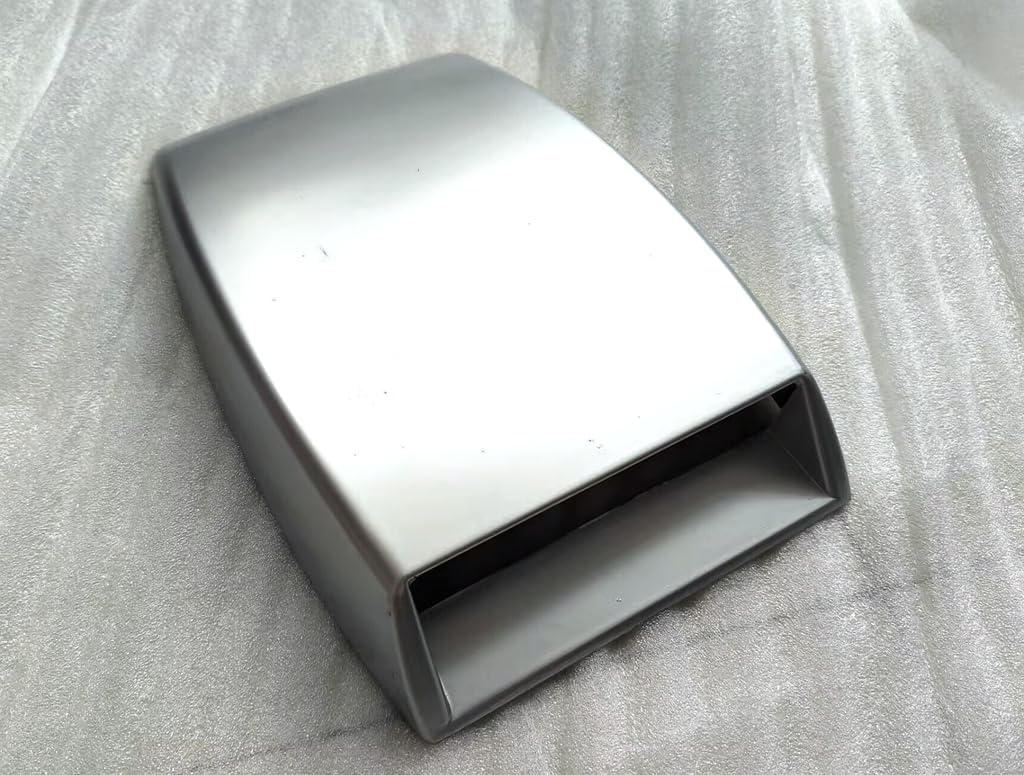

Customers who viewed this product also viewed
Remote Controls

![PROfezzion [164'] Wireless Shutter Release Remote Control for Panasonic Lumix S5 II S5 IIX GH6 G7 G9M2 GH5 G85 S5 S1R S1H GX8 GH7 FZ2500 FZ2000 Camera, Radio Control Shutter Release with AAA Battery](https://m.media-amazon.com/images/I/51ZsTNQ-QGL._AC_SL1000_.jpg)


![[New Upgrade, Easy to Use] TikTok Scrolling Ring Remote Control, Camera Shutter Remote, Wireless Bluetooth Scrolling Ring for iPhone, iPad, iOS, Android - Light Purple](https://m.media-amazon.com/images/I/61rpMtFX5lL._AC_SL1500_.jpg)

Correction of product information
If you notice any omissions or errors in the product information on this page, please use the correction request form below.
Correction Request Form